Authorize your account
Telegram authorization uses numeric user IDs. If the user ID is missing, message the bot once and Libre Claw reports the exact setup command.
libre-claw telegram setup --user-id 123456789
libre-claw daemonConnect Libre Claw to Telegram, authorize numeric user IDs, approve tools inline, and receive scheduled reports.
Telegram authorization uses numeric user IDs. If the user ID is missing, message the bot once and Libre Claw reports the exact setup command.
libre-claw telegram setup --user-id 123456789
libre-claw daemon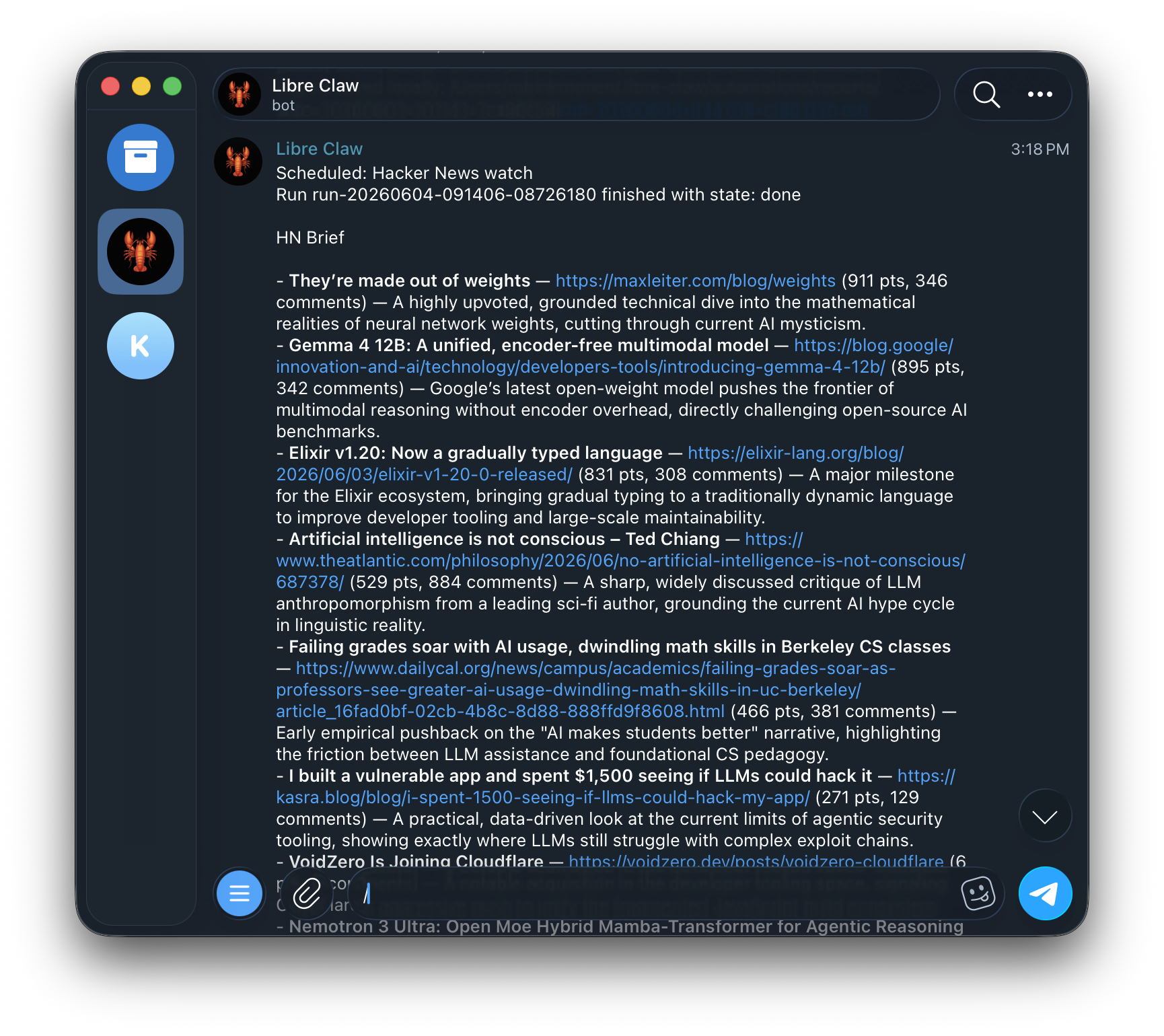
Telegram registers command suggestions for model, provider, memory, schedule, status, and cancellation commands.
Tool cards stay compact and expose approval buttons when a run blocks on a side effect.
Final answers render with Telegram-safe HTML formatting while live previews remain safe plain text.
/start
/help
/model
/models
/provider
/status
/schedule
/memory
/stopUse libre-claw daemon when Telegram is already configured. Use libre-claw telegram up when you want an explicit combined launcher.
libre-claw telegram up