इनलाइन अनुमोदन
मैन्युअल y/n उत्तर भेजे बिना टूल कॉल अनुमोदित या अस्वीकार करें।
Libre Claw
Telegram से Libre Claw नियंत्रित करें, एजेंट टूल इनलाइन अनुमोदित करें, मॉडल स्विच करें और अपने वर्कस्टेशन से अनुसूचित कोडिंग रिपोर्ट प्राप्त करें।
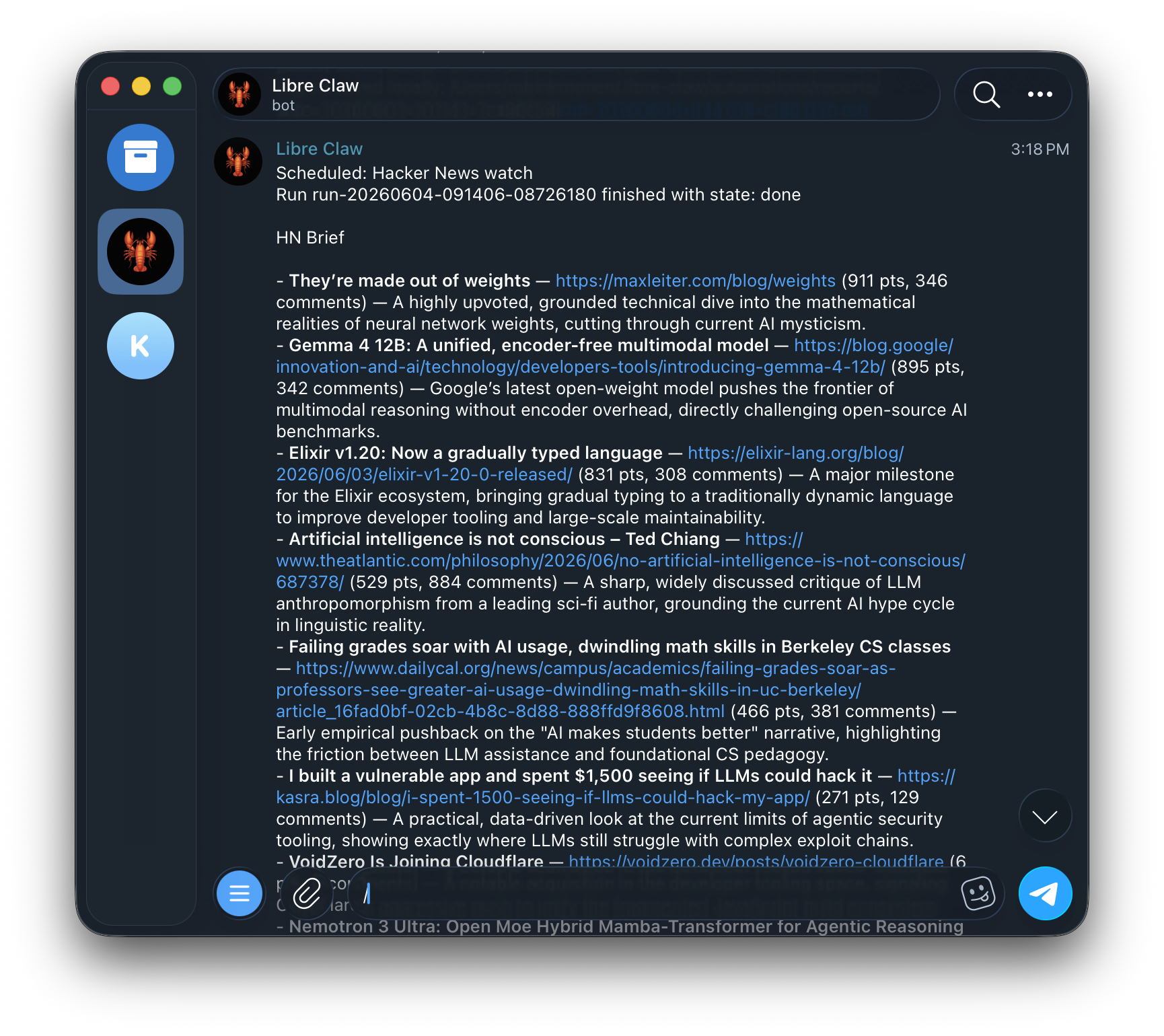
Telegram एक अलग एजेंट नहीं है। यह एक ही डेमन और टिकाऊ रन स्टोर से जुड़ता है।
libre-claw telegram setup --user-id 123456789
libre-claw daemon
Slash commands cover model switching, cost checks, schedule management, memory controls, new sessions, and cancellation.
Do not use @username for authorization. Libre Claw allowlists numeric Telegram user IDs. If you do not know yours, message the bot once and it will print the exact allow command.
मैन्युअल y/n उत्तर भेजे बिना टूल कॉल अनुमोदित या अस्वीकार करें।
When Telegram is enabled with daemon mode and a stored token, libre-claw daemon starts the bridge automatically.
बड़े मॉडल आउटपुट सुरक्षित रूप से विभाजित होते हैं ताकि Telegram सीमाएं अंतिम उत्तर न छिपाएं।
यदि आप एक स्पष्ट कमांड पसंद करते हैं जो दोनों भाग शुरू करता है, तो उपयोग करें:
libre-claw telegram upयह डुप्लिकेट ब्रिज बनाए बिना स्थानीय डेमन और बॉट ब्रिज को एक साथ लॉन्च करता है।
Libre Claw registers Telegram commands on startup so typing / shows the supported menu.
/model
/provider
/schedule
/memory
/cancel