インライン承認
手動で y/n 返信を送ることなく、ツール呼び出しを承認または拒否できます。
Libre Claw
Telegram から Libre Claw を制御し、エージェントツールをインラインで承認し、モデルを切替え、ワークステーションから定期コーディングレポートを受信。
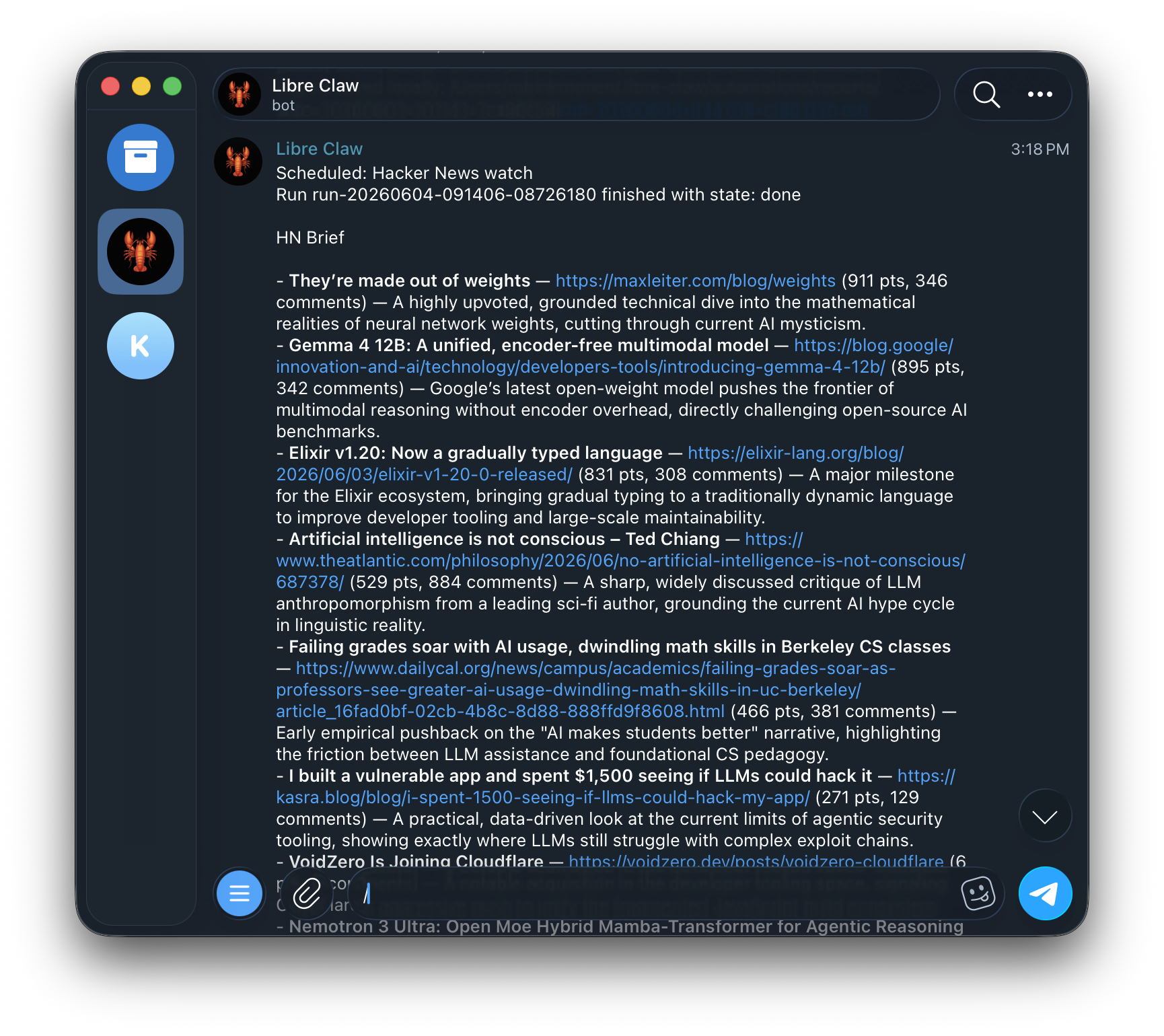
Telegram は別のエージェントではありません。同じデーモンと永続実行ストアに接続します。
libre-claw telegram setup --user-id 123456789
libre-claw daemon
Slash commands cover model switching, cost checks, schedule management, memory controls, new sessions, and cancellation.
Do not use @username for authorization. Libre Claw allowlists numeric Telegram user IDs. If you do not know yours, message the bot once and it will print the exact allow command.
手動で y/n 返信を送ることなく、ツール呼び出しを承認または拒否できます。
When Telegram is enabled with daemon mode and a stored token, libre-claw daemon starts the bridge automatically.
大きなモデル出力は安全に分割されるため、Telegram の制限で最終回答が隠れることはありません。
両方を起動する1つの明示的なコマンドを好む場合は、以下を使用:
libre-claw telegram upこれは重複ブリッジを作成せずにローカルデーモンとボットブリッジを一緒に起動します。
Libre Claw registers Telegram commands on startup so typing / shows the supported menu.
/model
/provider
/schedule
/memory
/cancel