การอนุมัติอินไลน์
อนุมัติหรือปฏิเสธการเรียกเครื่องมือโดยไม่ต้องส่งคำตอบ y/n ด้วยมือ
Libre Claw
ควบคุม Libre Claw จาก Telegram อนุมัติเครื่องมือตัวแทนแบบอินไลน์ สลับโมเดล และรับรายงานการเขียนโค้ดตามกำหนดเวลาจากเวิร์กสเตชันของคุณ
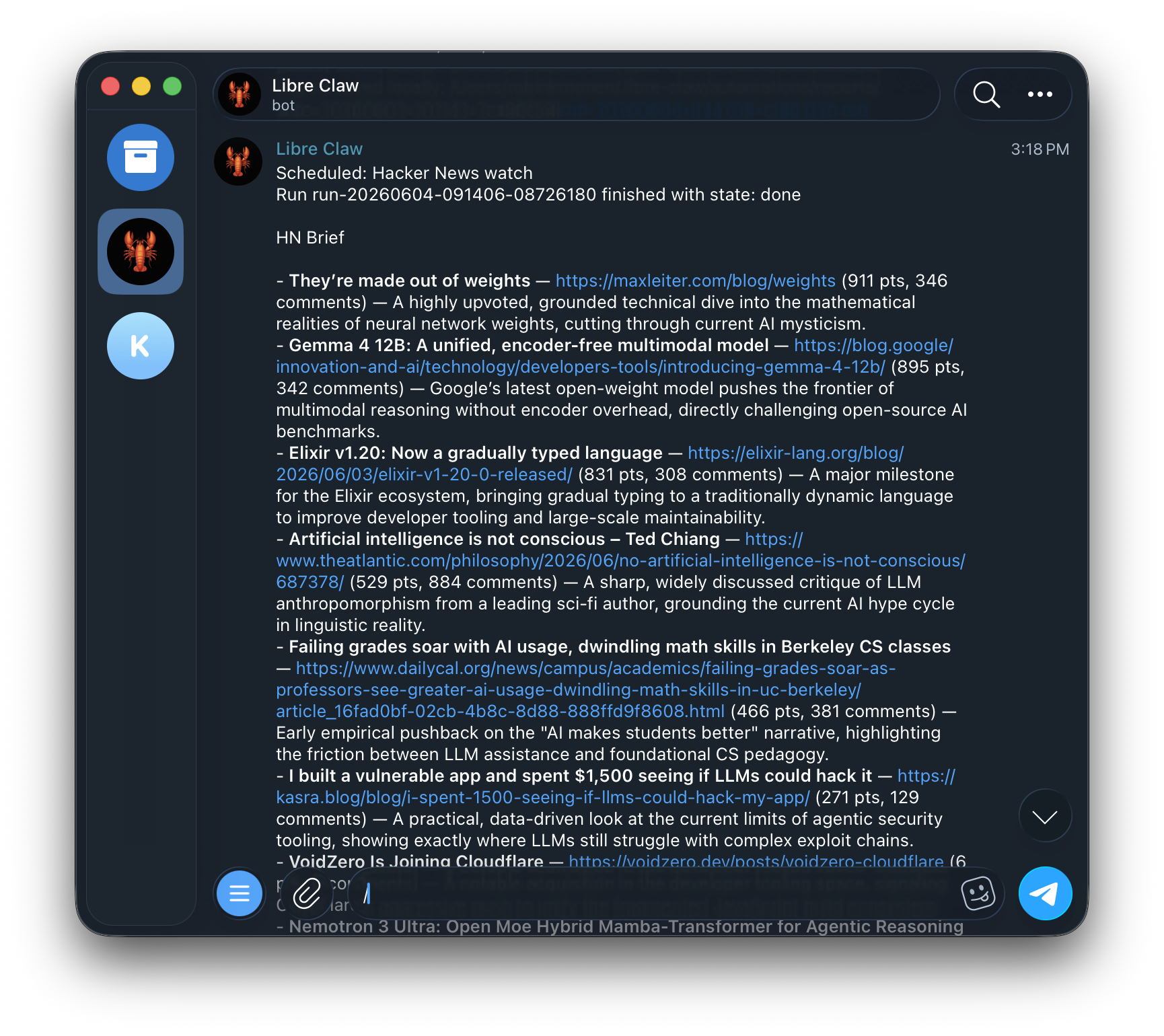
Telegram ไม่ใช่ตัวแทนแยกต่างหาก มันเชื่อมต่อกับดีมอนและคลังการรันถาวรตัวเดียวกัน
libre-claw telegram setup --user-id 123456789
libre-claw daemon
Slash commands cover model switching, cost checks, schedule management, memory controls, new sessions, and cancellation.
Do not use @username for authorization. Libre Claw allowlists numeric Telegram user IDs. If you do not know yours, message the bot once and it will print the exact allow command.
อนุมัติหรือปฏิเสธการเรียกเครื่องมือโดยไม่ต้องส่งคำตอบ y/n ด้วยมือ
When Telegram is enabled with daemon mode and a stored token, libre-claw daemon starts the bridge automatically.
เอาต์พุตโมเดลขนาดใหญ่ถูกแบ่งอย่างปลอดภัยเพื่อไม่ให้ขีดจำกัดของ Telegram ซ่อนคำตอบสุดท้าย
หากคุณต้องการคำสั่งเดียวที่ชัดเจนซึ่งเริ่มทั้งสองส่วน ใช้:
libre-claw telegram upสิ่งนี้เปิดดีมอนโลคัลและสะพานบอตพร้อมกันโดยไม่สร้างสะพานซ้ำ
Libre Claw registers Telegram commands on startup so typing / shows the supported menu.
/model
/provider
/schedule
/memory
/cancel