Inline approvals
Approve or deny tool calls without sending a manual y/n reply.
Libre Claw
Control Libre Claw from Telegram, approve agent tools inline, switch models, and receive scheduled coding reports from your workstation.
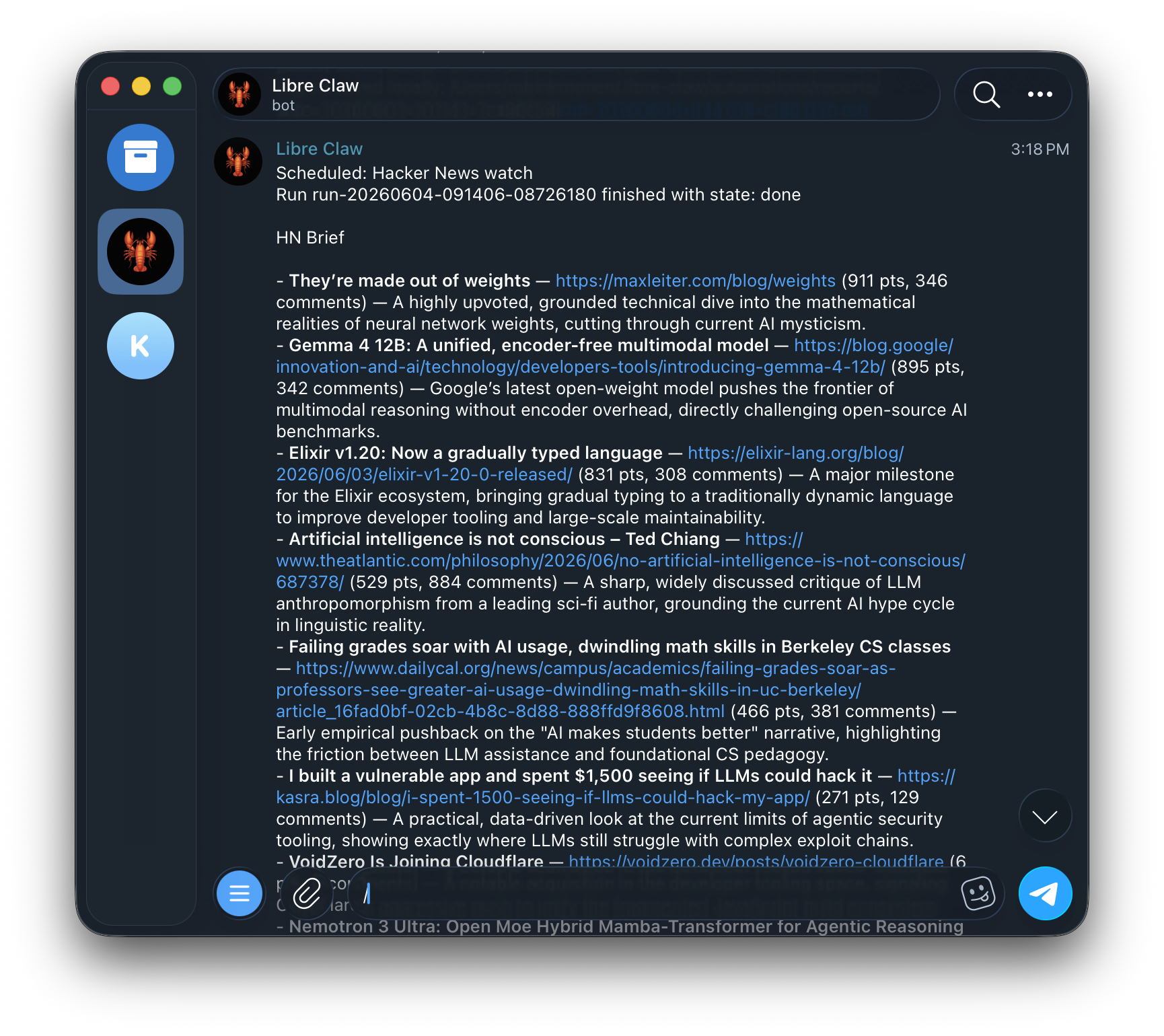
Telegram is not a separate agent. It connects to the same daemon and durable run store.
libre-claw telegram setup --user-id 123456789
libre-claw daemon
Libre Claw registers Telegram commands on startup so typing / shows the supported menu.
Do not use @username for authorization. Libre Claw allowlists numeric Telegram user IDs. If you do not know yours, message the bot once and it will print the exact allow command.
Approve or deny tool calls without sending a manual y/n reply.
When Telegram is enabled with daemon mode, the bot keeps working even if the TUI is closed.
Large model outputs are split safely so Telegram limits do not hide the final answer.
If you prefer one explicit command that starts both pieces, use:
libre-claw telegram upThis launches the local daemon and the bot bridge together without creating a duplicate bridge.
Libre Claw registers Telegram commands on startup so typing / shows the supported menu.
/model
/provider
/schedule
/memory
/cancel